How to Search for Movies in the Kartina TV USA Video Library
Kartina TV is popular not only for its high-quality streaming but also for the wide range of features that make watching television even more convenient. If you're new to our service, you can find more details in our Information and Services sections.
In this short article, we'll explain how the search feature works in the Kartina TV video library, as many of our viewers occasionally have questions about it.
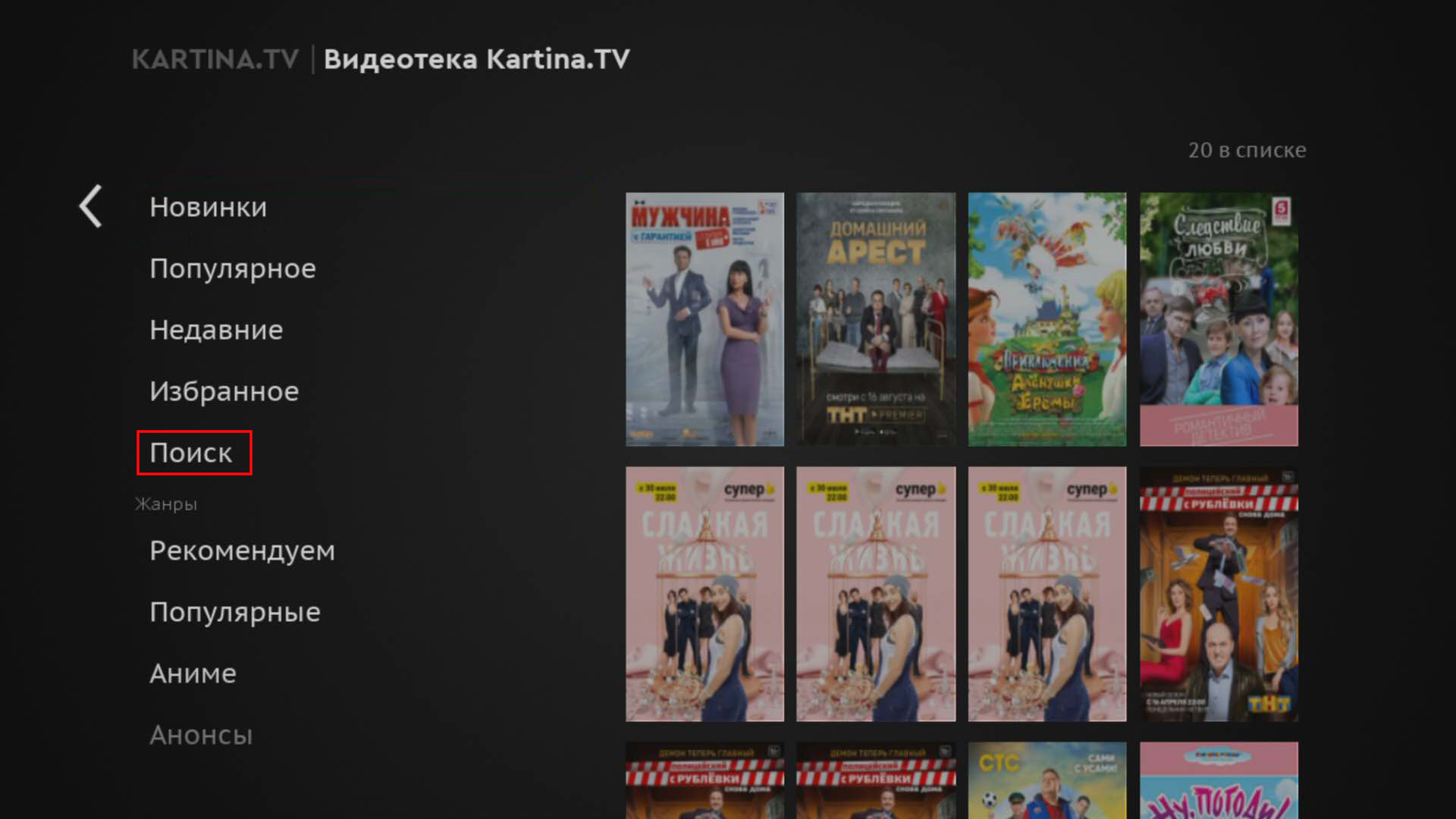
The Kartina TV video library search scans all available content information. This means it searches not only movie and TV series titles but also descriptions, actor and director names, genres, and other details listed on each title's information page.
For example, if you enter the Russian word "жара" (heat) in the search bar, you'll see movies with that exact title, as well as titles containing the word. You may also find available recordings of the "Zhara" music festival.
As you can see, the search feature checks all the text in each movie or TV series information page. You can also use it to find all available movies and TV series featuring a particular actor or actress.
On the Comigo Quattro set-top box, you can customize your search settings to search only movie and TV series titles or include cast information as well.
It's also worth mentioning that movies in the Kartina TV video library include ratings. Many viewers ask where these ratings come from. They are based on ratings from the well-known IMDb and Kinopoisk websites. Many Kartina TV USA movie enthusiasts use these ratings as an additional way to filter and sort movies in our video library.
If you haven't purchased a Kartina TV Premium subscription yet, simply click the button below to subscribe.
Yours sincerely,
Kartina TV Brooklyn