Kartina TV START – What's New?
Kartina TV USA has been making internet television accessible to viewers around the world for many years!
To make our service even more convenient and improve the viewing experience, Kartina TV has partnered with various online streaming platforms, including START.
START streaming service offers a large collection of exclusive premieres, Russian TV series, and movies produced specifically for START viewers. All customers with an active Kartina TV USA Premium subscription can enjoy free access to the START video library.
How to Find START on the Kartina Like Set-Top Box
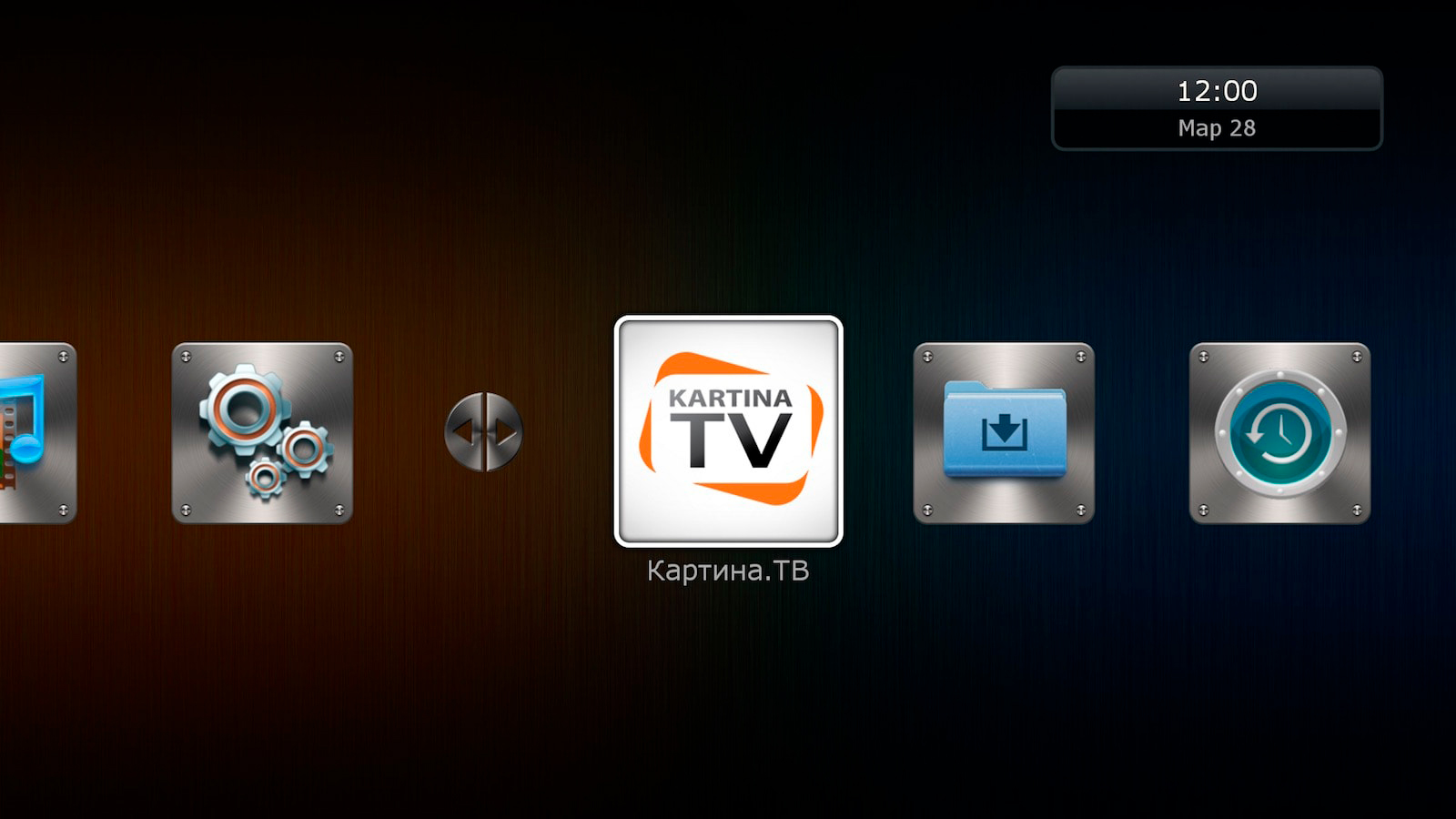
- To access the START streaming service using your Kartina Like set-top box, first open the device's main menu and select Kartina TV.
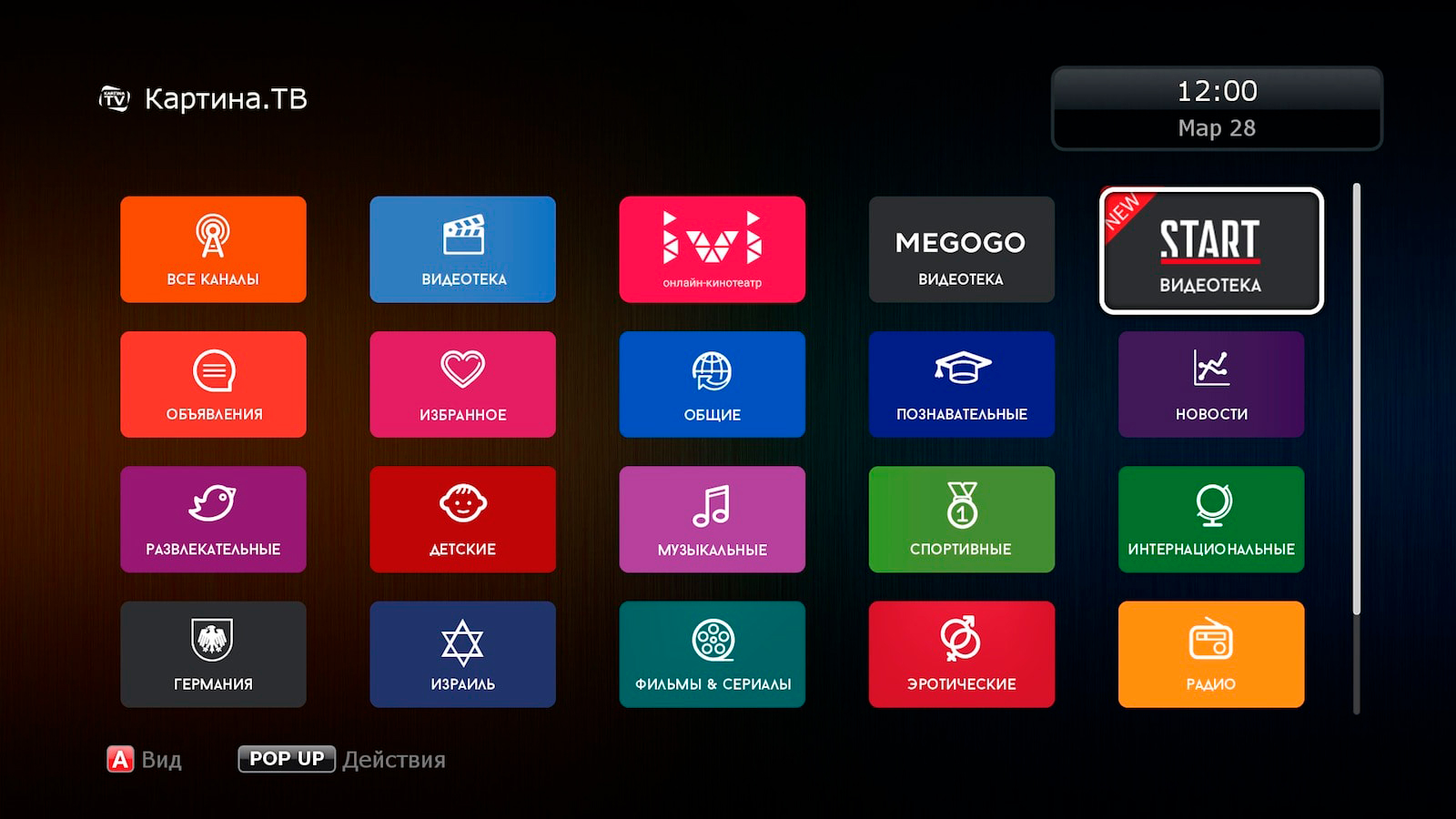
- Next, select "START" from the menu.
How to Find START on the Kartina Quattro Set-Top Box
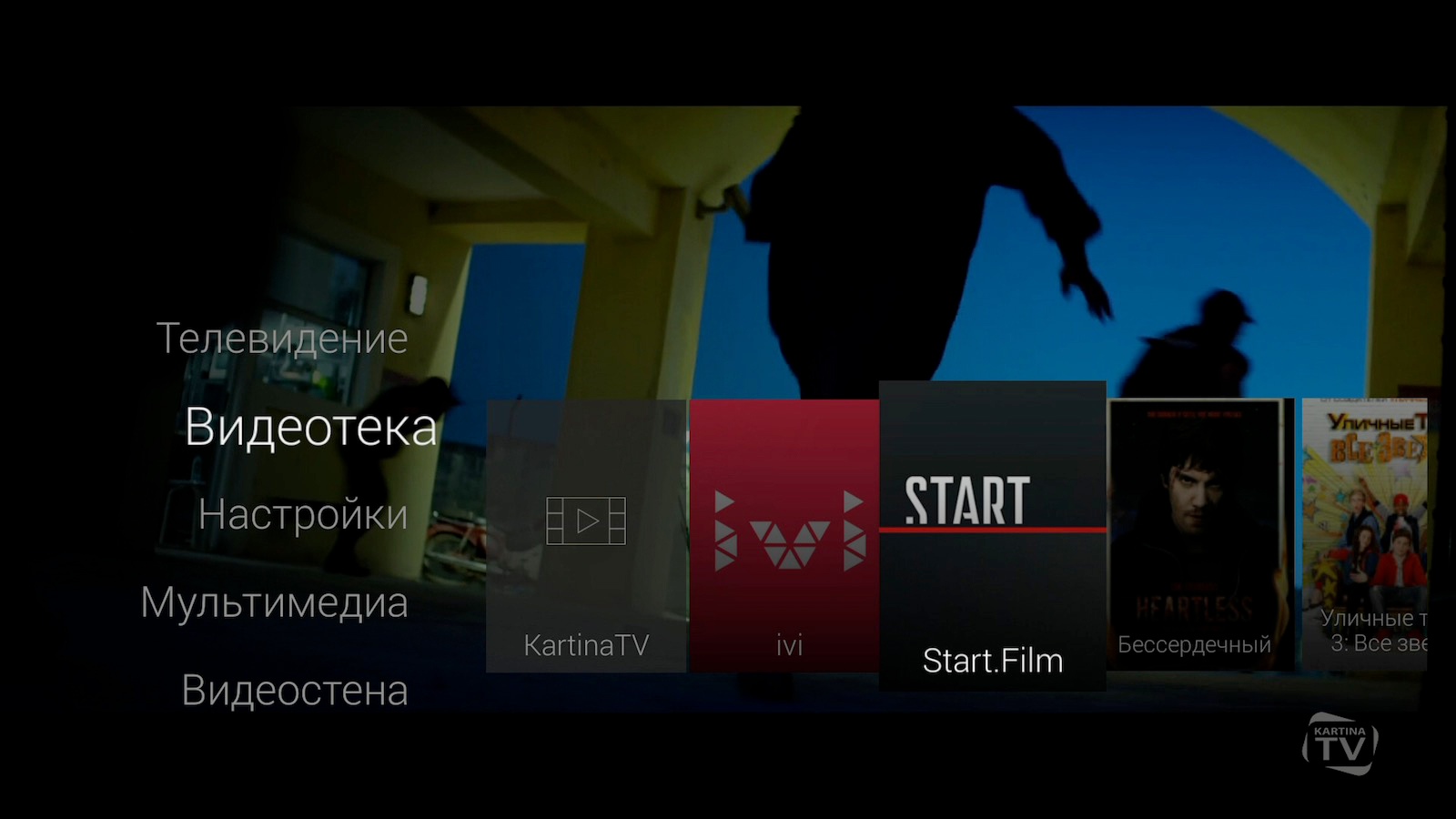
- Open the set-top box menu, go to the "Video Library" section, and select "Start.Film".
- To access the full collection of movies and TV series, select the "Default Profile." If you're looking for something suitable for your child, choose the "Kids Profile." This allows you to quickly find a wide selection of cartoons, educational programs, and family-friendly movies for younger Kartina TV viewers.
What Is the Kids Profile in the START Video Library?
The "Kids Profile" provides access to an extensive collection of children's entertainment while also helping parents prevent their children from watching movies and TV series that may not be age-appropriate.
If you haven't purchased a Kartina TV subscription yet, now is the perfect time to get started!